Free QR Code Generator
with Logo & SVG Export
Design branded QR codes with logos, colors, custom styles, and download them instantly. Perfect for businesses, events, restaurants, marketing campaigns, and personal use.
Turn ordinary QR codes into powerful branding and marketing tools. Create professional QR codes that match your brand and engage your audience.
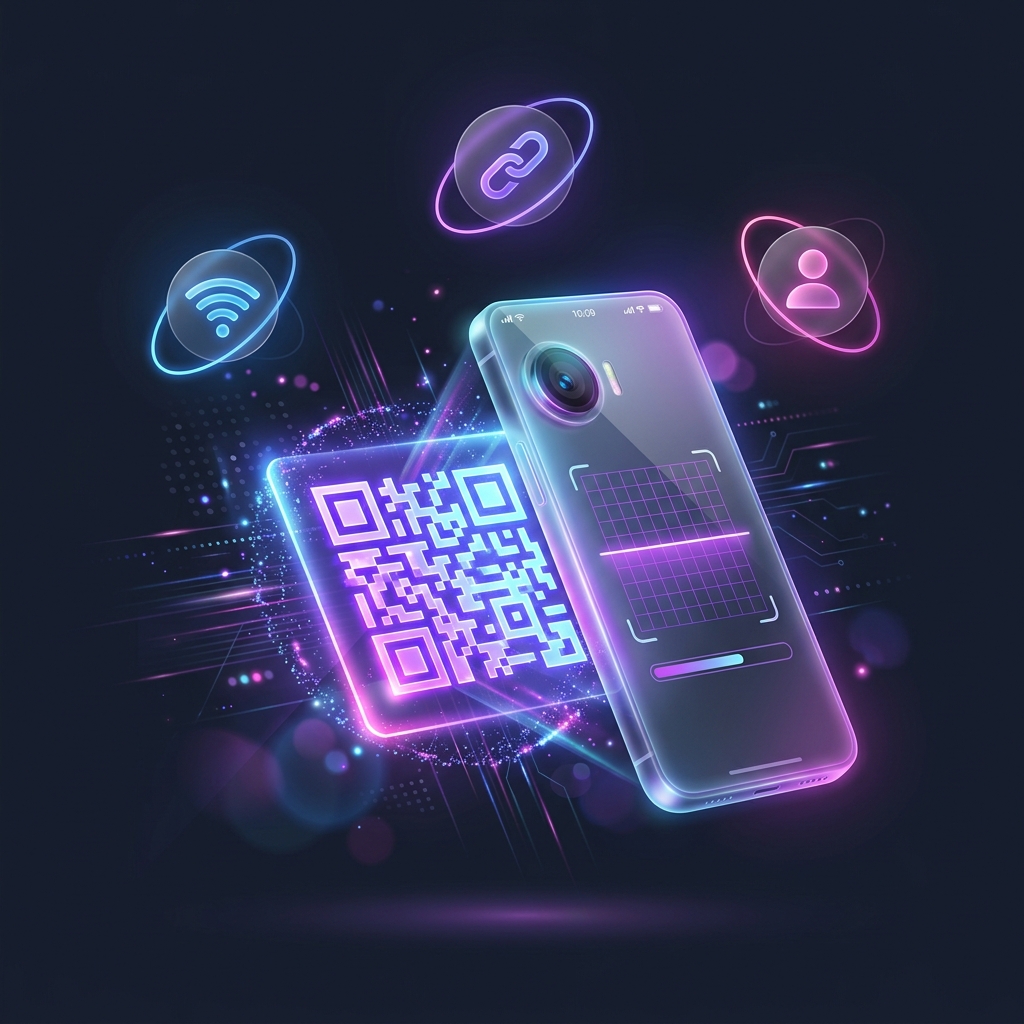
Why Choose Ededin as Your Free QR Code Generator?
Create Professional QR Codes
Generate beautiful QR codes that stand out while maintaining maximum scan reliability.
Fully Customizable
Add your logo, brand colors, frames, and unique styles to make every QR code your own.
Instant Downloads
Download high-quality QR codes in PNG, SVG, and PDF formats.
Easy to Use
No design skills required. Create and customize your QR code within minutes.
How Do Scanners See Your Custom QR Code?
Select a format below to preview the native mobile prompt triggered by your QR scans.
Ededin Landing Page
You have successfully scanned the website link and loaded the destination webpage.
With Ededin, all data formats are converted to fully compliant standard patterns that trigger native system actions seamlessly across Apple iOS, Android, and industrial scanners.
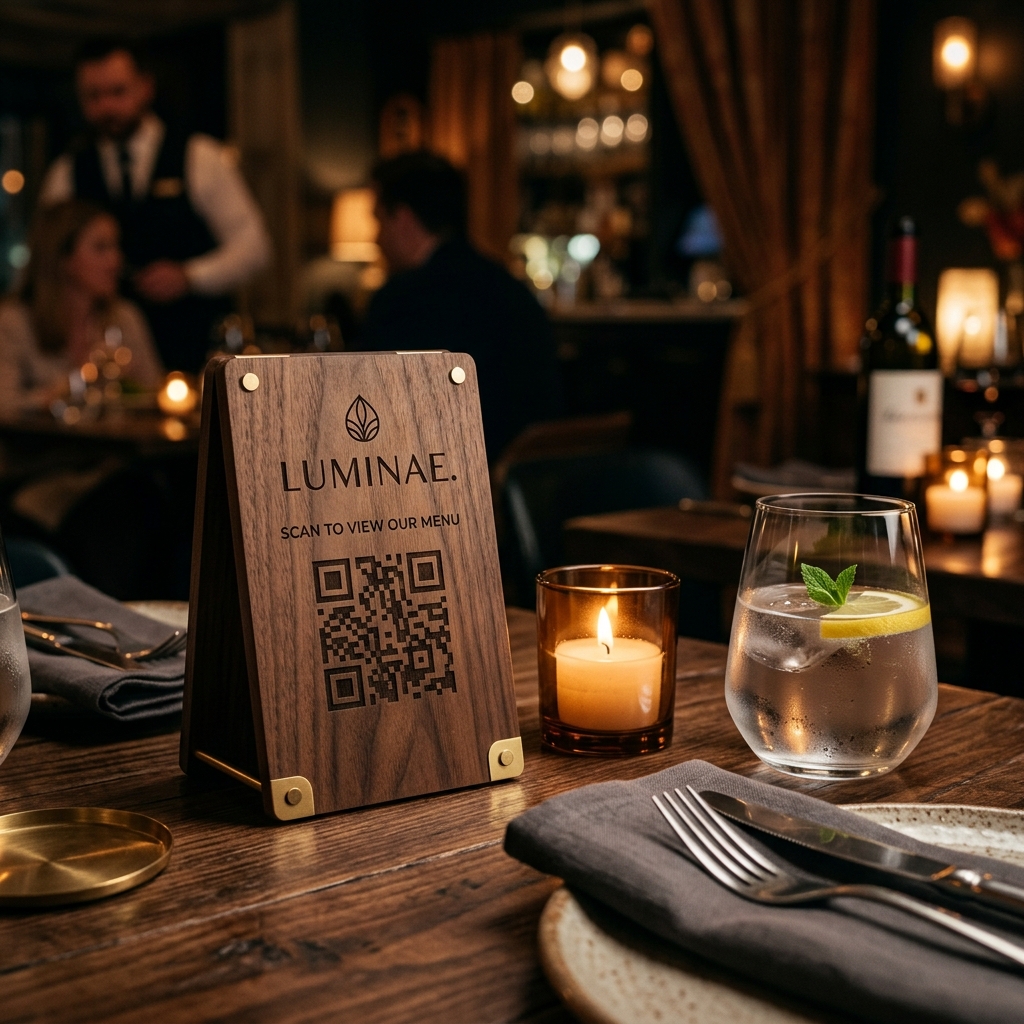
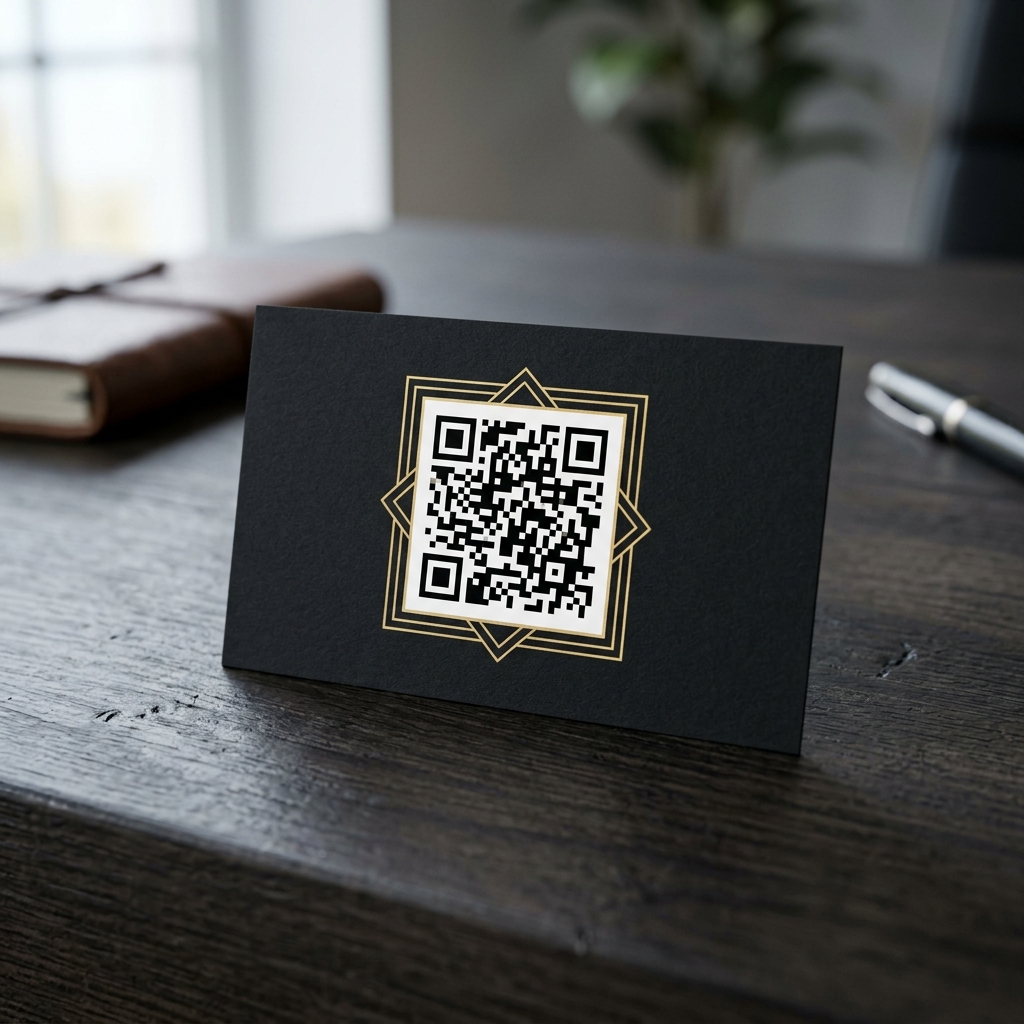
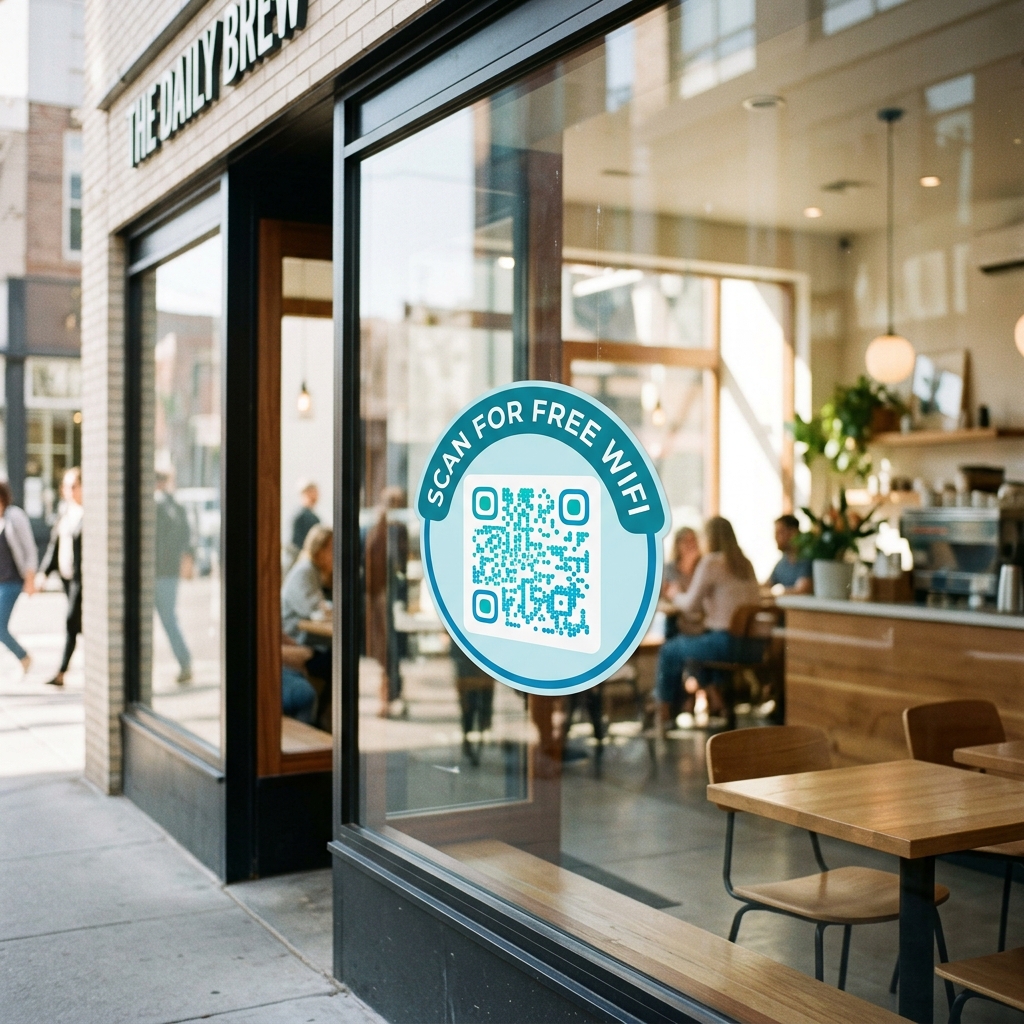
See It In Action: Real-World Applications
Aesthetic, brand-aligned designs tailored for physical print and product packaging.
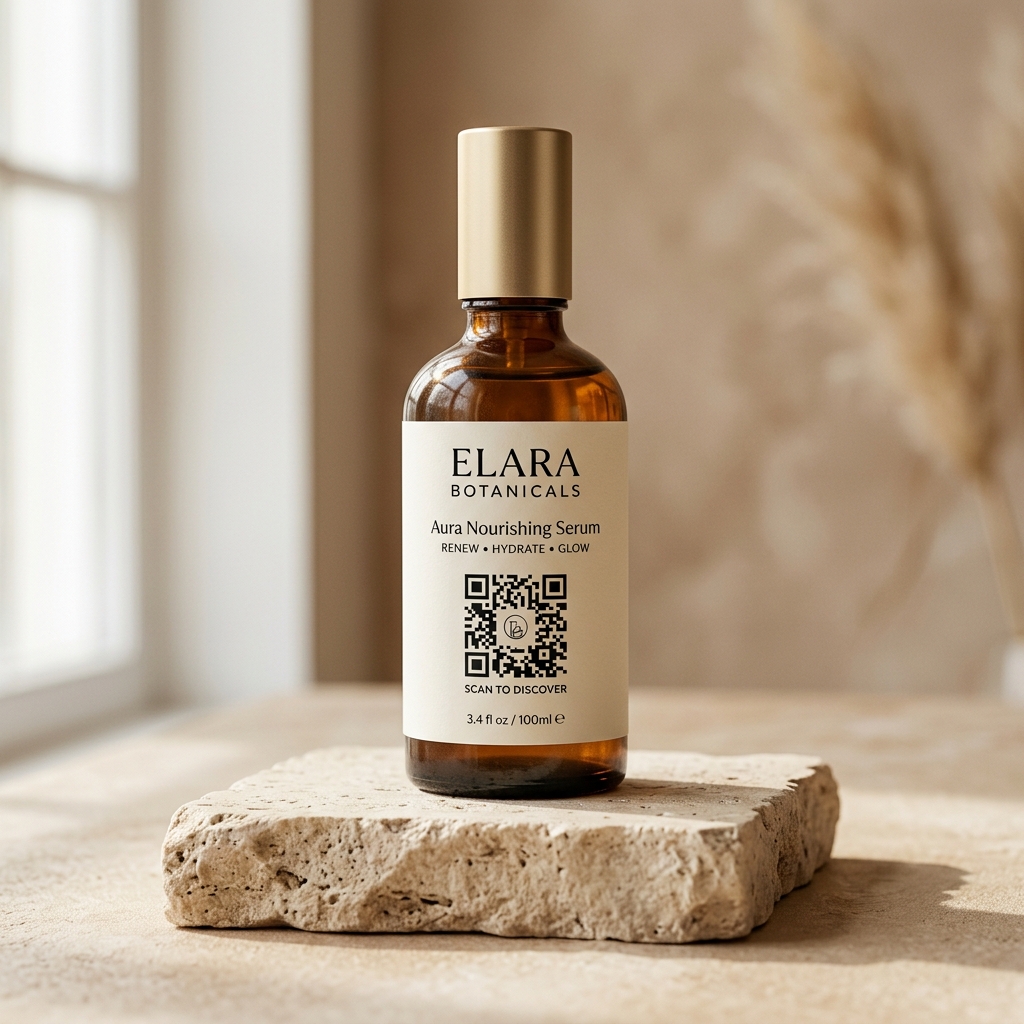
Supported QR Code Formats & Types
Create customized QR codes for any layout or use-case you require.
Website QR Codes
Direct users to your website, landing pages, or online store.
Create Now →WhatsApp QR Codes
Allow customers to start conversations instantly.
Create Now →Business Card QR Codes
Share contact information quickly and professionally.
Create Now →Email QR Codes
Enable users to send emails with a single scan.
Create Now →WiFi QR Codes
Connect guests to WiFi without typing passwords.
Create Now →PDF QR Codes
Share brochures, menus, catalogs, and documents instantly.
Create Now →How to Generate a QR Code in 4 Easy Steps
Choose Type
Choose the QR Code type you want to create.
Customize Design
Enter your content and customize the design.
Real-time Preview
Preview your QR code in real-time.
Download & Share
Download and start sharing immediately.
Real-World QR Code Use Cases & Applications
Restaurants
Digital menus and ordering systems.
Retail Stores
Product information and promotions.
Real Estate
Property listings and virtual tours.
Events
Tickets, registrations, and event details.
Education
Learning resources and course materials.
Personal Branding
Digital business cards and portfolios.
Features & Benefits of Ededin QR Code Platform
Increase Customer Engagement
Make it easier for customers to access your information.
Strengthen Your Brand
Create QR codes that reflect your visual identity.
Save Time
Share information instantly without lengthy URLs.
Improve User Experience
Provide seamless access to content with a simple scan.
Frequently Asked Questions about Custom QR Codes
How do I create a free QR code with a logo?
To generate a custom QR code with a logo for free, select your desired QR type (e.g. Website URL, vCard, Text), fill in the data field, open the 'Logo Overlay' section in the customization sidebar, and upload a custom image (PNG, JPG, or SVG). Ededin will automatically configure high error correction (Level H) to guarantee scan reliability.
Do QR codes generated here have scan limits or expiration dates?
No, all static QR codes created on Ededin QR Gen are 100% permanent, do not have scan limits, and never expire. Since the target data is encoded directly into the QR pattern, it remains active indefinitely.
What is the difference between a static and a dynamic QR code?
Static QR codes store raw data directly in the barcode pattern, meaning the content cannot be edited and scans cannot be tracked after creation. Dynamic QR codes route scanners through a redirection URL, allowing you to update the destination link at any time and track real-time analytics (such as scan counts and geographic locations) without changing the QR design.
How can I download my QR code in vector SVG format?
After styling your QR code in our generator workspace, click the 'Copy SVG' button. The clean, scale-independent vector XML markup will be copied directly to your clipboard, allowing you to paste it into vector graphics editors like Adobe Illustrator or Figma for print publishing.
Will my custom-designed QR code work on all devices (iOS & Android)?
Yes. Our customization engine follows standard ISO/IEC 18004 specifications. To ensure 100% compatibility across iOS, Android, and industrial scanners, maintain a high contrast ratio between your dot color and the background color (e.g., dark dots on a light background).
How do I generate a WiFi network QR code?
Select the 'WiFi' type tab, input your network name (SSID) and security password, and select your encryption type (WPA or WEP). When users scan the generated QR code with their mobile cameras, they can join your wireless network automatically without entering a password.
Ready to Create Your First Custom QR Code?
Join thousands of businesses and individuals using our platform to create professional QR codes that get noticed.