Free QR Code Generator
with Logo & SVG Export
Design branded QR codes with logos, colors, custom styles, and download them instantly. Perfect for businesses, events, restaurants, marketing campaigns, and personal use.
Turn ordinary QR codes into powerful branding and marketing tools. Create professional QR codes that match your brand and engage your audience.
Why Choose Ededin as Your Free QR Code Generator?
Create Professional QR Codes
Generate beautiful QR codes that stand out while maintaining maximum scan reliability.
Fully Customizable
Add your logo, brand colors, frames, and unique styles to make every QR code your own.
Instant Downloads
Download high-quality QR codes in PNG, SVG, and PDF formats.
Easy to Use
No design skills required. Create and customize your QR code within minutes.
How Do Scanners See Your Custom QR Code?
Select a format below to preview the native mobile prompt triggered by your QR scans.
Ededin Landing Page
You have successfully scanned the website link and loaded the destination webpage.
With Ededin, all data formats are converted to fully compliant standard patterns that trigger native system actions seamlessly across Apple iOS, Android, and industrial scanners.
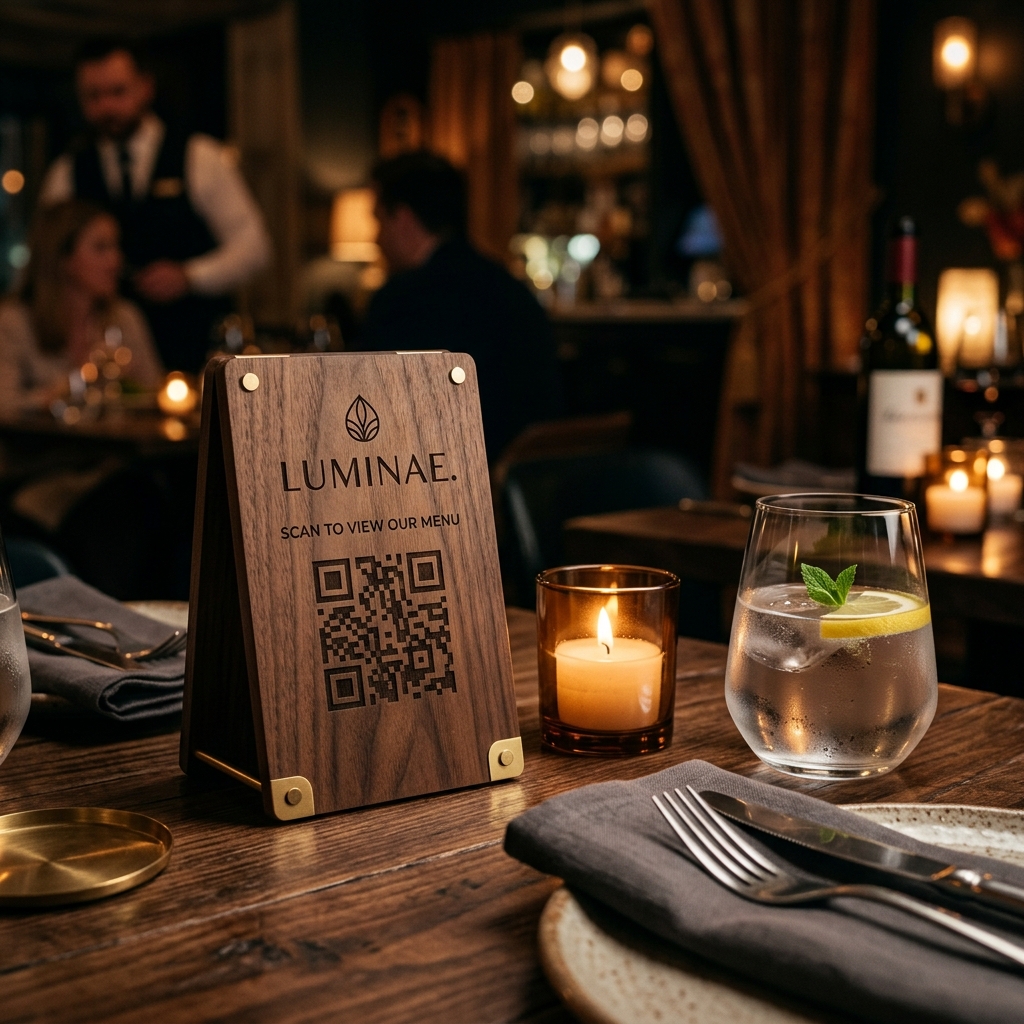
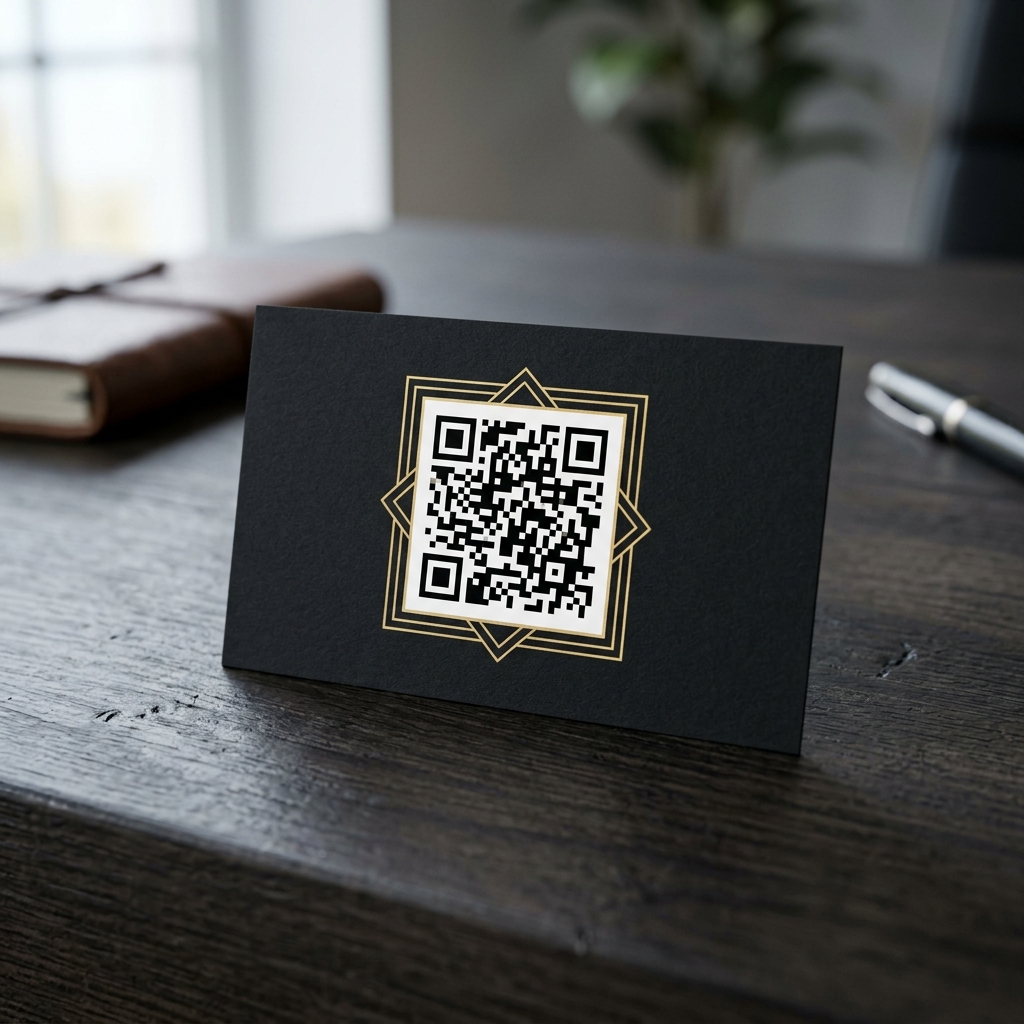
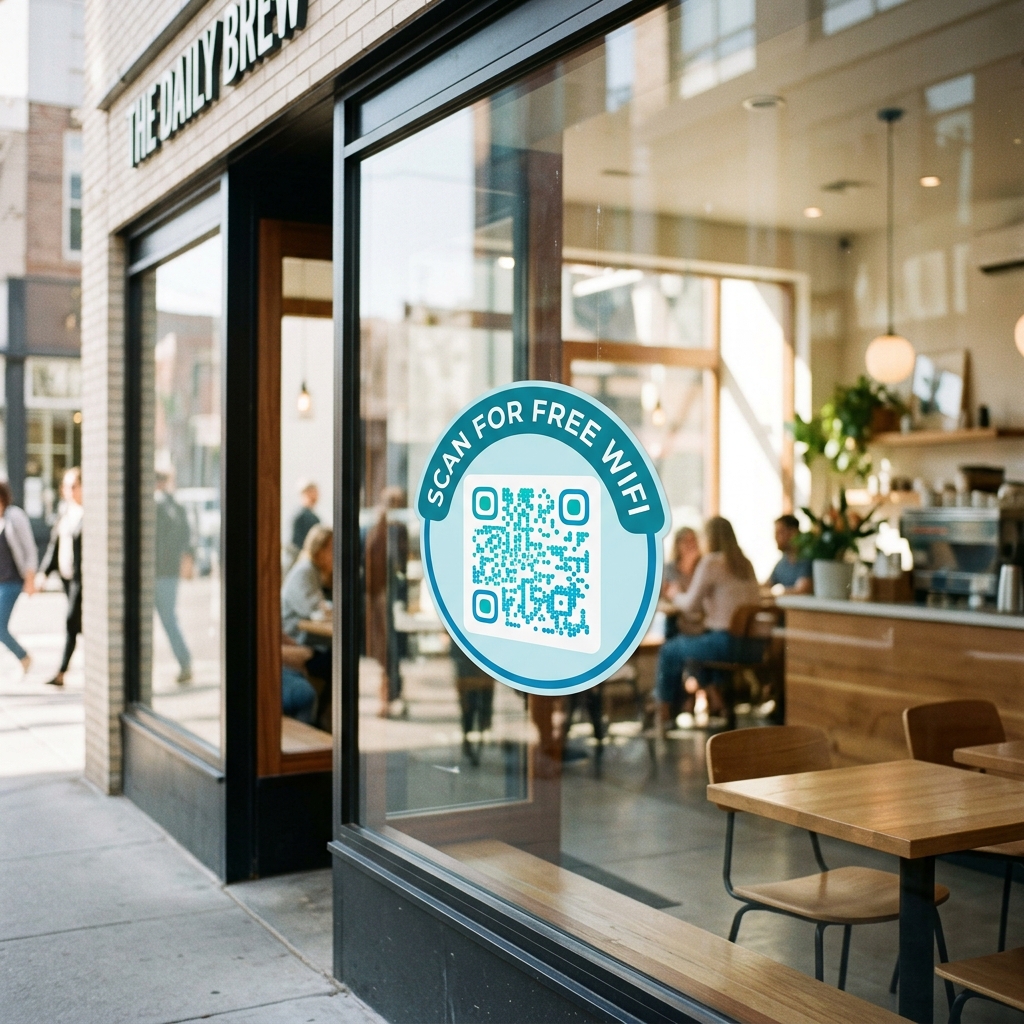
See It In Action: Real-World Applications
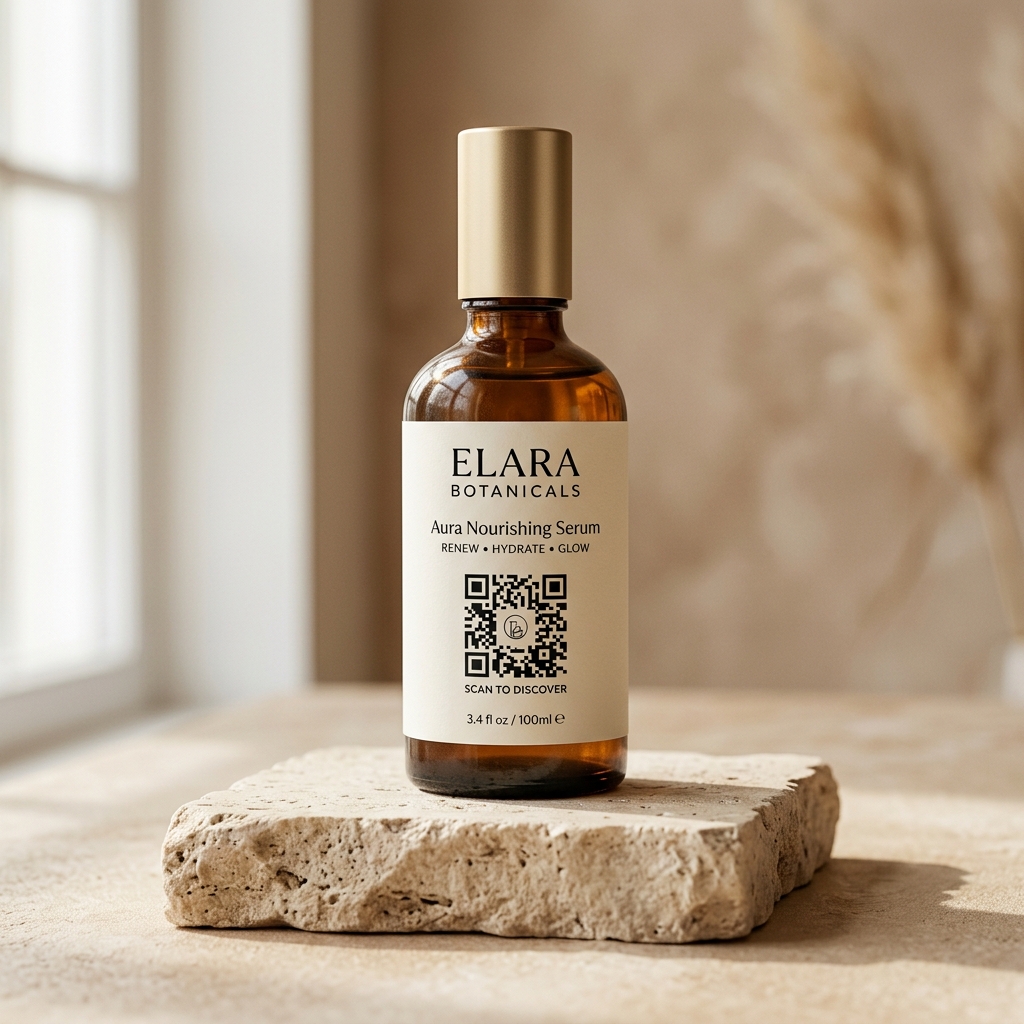
Aesthetic, brand-aligned designs tailored for physical print and product packaging.
Supported QR Code Formats & Types
Create customized QR codes for any layout or use-case you require.
Website QR Codes
Direct users to your website, landing pages, or online store.
Create Now →WhatsApp QR Codes
Allow customers to start conversations instantly.
Create Now →Business Card QR Codes
Share contact information quickly and professionally.
Create Now →Email QR Codes
Enable users to send emails with a single scan.
Create Now →WiFi QR Codes
Connect guests to WiFi without typing passwords.
Create Now →PDF QR Codes
Share brochures, menus, catalogs, and documents instantly.
Create Now →UPI Payment QR Codes
Collect instant bank-to-bank payments without transaction fees.
Create Now →How to Generate a QR Code in 4 Easy Steps
Choose Type
Choose the QR Code type you want to create.
Customize Design
Enter your content and customize the design.
Real-time Preview
Preview your QR code in real-time.
Download & Share
Download and start sharing immediately.
Real-World QR Code Use Cases & Applications
Restaurants
Digital menus and ordering systems.
Retail Stores
Product information and promotions.
Real Estate
Property listings and virtual tours.
Events
Tickets, registrations, and event details.
Education
Learning resources and course materials.
Personal Branding
Digital business cards and portfolios.
UPI Payments
Zero commission bank-to-bank checkout.
Features & Benefits of Ededin QR Code Platform
Increase Customer Engagement
Make it easier for customers to access your information.
Strengthen Your Brand
Create QR codes that reflect your visual identity.
Save Time
Share information instantly without lengthy URLs.
Improve User Experience
Provide seamless access to content with a simple scan.
Frequently Asked Questions about Custom QR Codes
How do I create a free QR code with a logo?
Select your QR type (e.g. Website URL, vCard, Text), fill in the data, open the Logo Overlay section, and upload a PNG, JPG, or SVG image. Ededin automatically uses high error correction (Level H) to keep the code scannable.
Do QR codes generated here expire?
No. All static QR codes are 100% permanent with no scan limits and no expiration date.
Will my custom QR code work on all devices?
Yes. Ededin follows ISO/IEC 18004 specifications and is compatible with iOS, Android, and industrial scanners.
How do I download my QR code as SVG?
After customizing your QR code, click the Copy SVG button. The vector XML will be copied to your clipboard for use in Illustrator, Figma, or any vector editor.
How do I generate a WiFi QR code?
Select the WiFi tab, enter your network name (SSID), password, and encryption type (WPA or WEP). Scanning the generated code will connect users to your WiFi automatically.
Ready to Create Your First Custom QR Code?
Join thousands of businesses and individuals using our platform to create professional QR codes that get noticed.