Smart QR Codes for Print Business Cards
Share your contact details in a single scan. Help clients save your name, phone, email, and social profiles directly to their phone contacts.
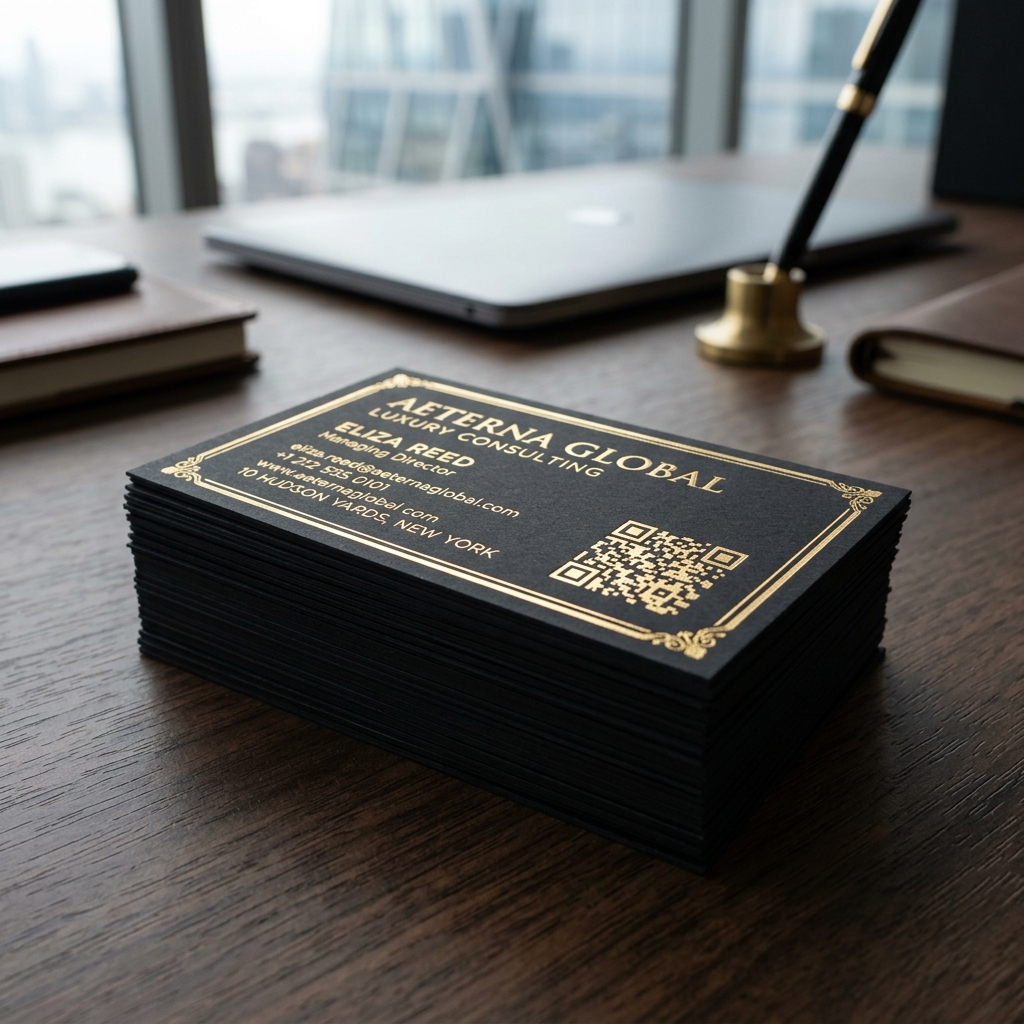
Why Choose Ededin QR Gen?
Create premium, fully customized static QR codes for branding, operations, and mobile networking.
Never Get Lost
Ensure your card details are saved digitally in the phone contacts immediately.
Include Social links
Optionally embed your LinkedIn, Instagram, or company website links.
Branded Logo Card
Add your company logo in the center of the QR code to build corporate trust.
Frictionless Sharing
No manual typing or letter spelling. Instant camera scan to import contacts.
How to Create Your QR Code
Design and export your customized, print-ready QR codes in 4 easy steps.
Choose Type
Select the QR code configuration that fits your target.
Fill Content
Input your target URL, WiFi password, or vCard information.
Style and Design
Select unique dot shapes, colors, custom logos, and frames.
Download Output
Export in high-resolution PNG, vector SVG, or PDF formats.
Frequently Asked Questions
Have questions about this QR type or use-case? Find answers below.
Ready to Create Your Custom QR Code?
No credit card required. Generate, style, and download print-ready vector codes in seconds.