Convert Plain Text & Notes to QR Codes
Share static text messages, access codes, serial numbers, or instructions. No internet connection required to scan.
Why Choose Ededin QR Gen?
Create premium, fully customized static QR codes for branding, operations, and mobile networking.
100% Offline
The text is stored directly inside the code pattern. No internet required.
Simple Sharing
Share product serials, promo codes, secret messages, or guidelines.
Inventory Support
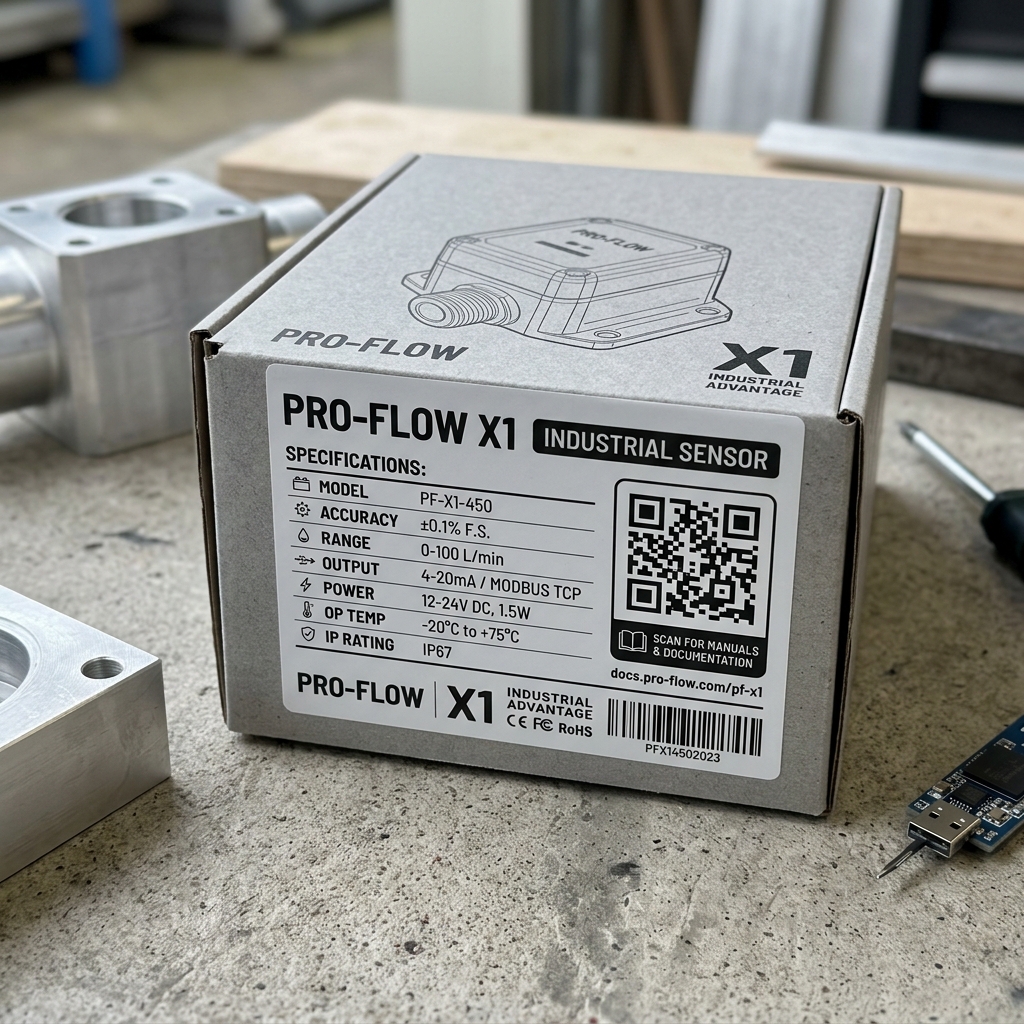
Perfect for printing warehouse tags, labels, or instruction manuals.
Zero Maintenance
Since there is no host server or URL link, the code will work forever.
How to Create Your QR Code
Design and export your customized, print-ready QR codes in 4 easy steps.
Choose Type
Select the QR code configuration that fits your target.
Fill Content
Input your target URL, WiFi password, or vCard information.
Style and Design
Select unique dot shapes, colors, custom logos, and frames.
Download Output
Export in high-resolution PNG, vector SVG, or PDF formats.
Frequently Asked Questions
Have questions about this QR type or use-case? Find answers below.
Ready to Create Your Custom QR Code?
No credit card required. Generate, style, and download print-ready vector codes in seconds.